
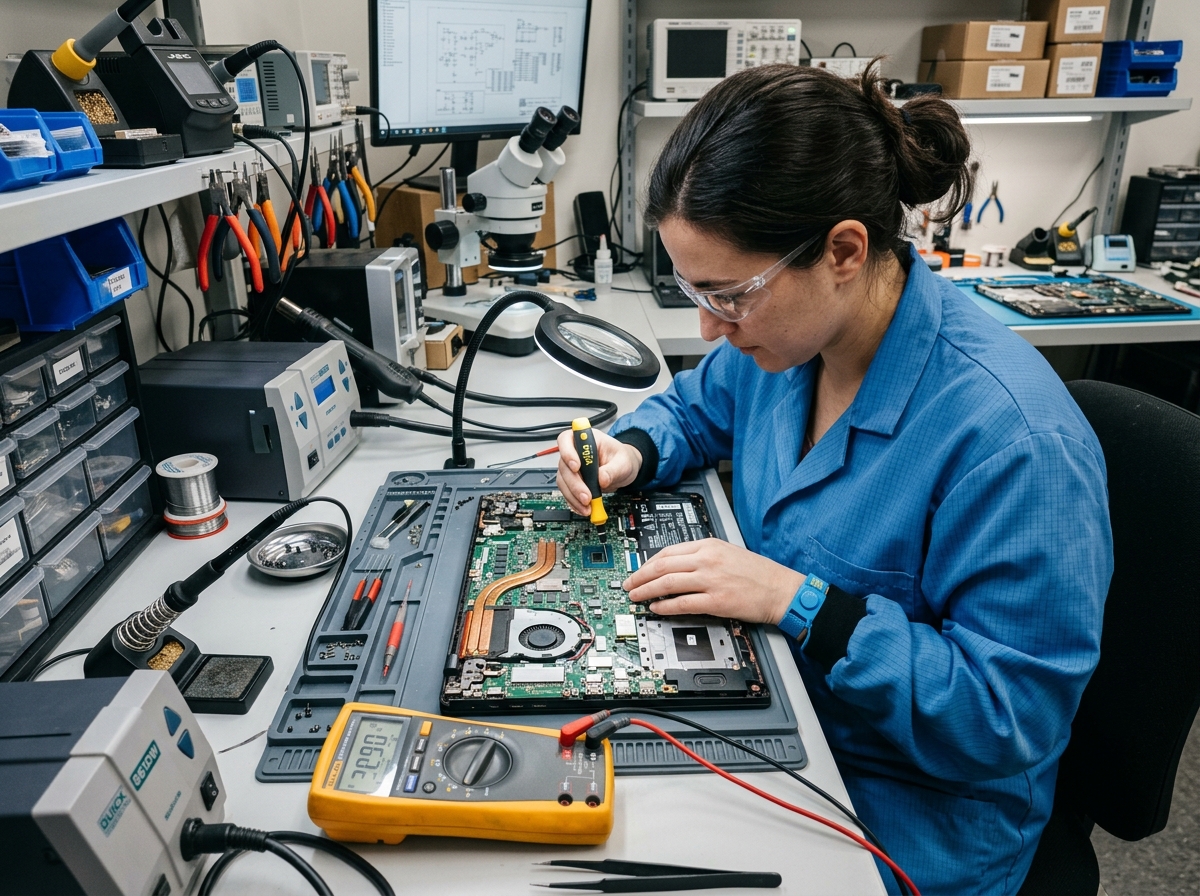
Evaluating Local PC Repair Capabilities
Not every computer shop has the equipment or training for intricate electronics. Most neighborhood shops fall into two categories: Parts Assemblers (who replace entire components) and Chip-Level Technicians (who can diagnose circuit boards and micro-solder).
Standard Parts Swappers
Suitable for simple RAM upgrades, SSD installations, screen replacements, and standard OS reinstalls. If a motherboard doesn't turn on, they will simply quote buying an expensive new motherboard.
Chip-Level Repair Labs
Equipped with thermal cameras, DC power supplies, multimeters, and micro-soldering stations. They can replace a single shorted 19V MOSFET or charging IC at the component level instead of forcing a costly full motherboard swap.
Data Confidentiality & Privacy Rules
Your personal files, banking cookies, and private photos are on your storage drive. Follow these mandatory precautions before handing over your machine:
The 3 Essential Phone Questions to Ask
Call 2 or 3 local shops and ask these exact qualifying questions before traveling to the workshop:
Q1: "What is your bench fee if you inspect the laptop and conclude it cannot be repaired?"
A transparent shop charges a fixed diagnostic inspection fee that is 100% credited into your bill if you approve the repair.
Q2: "Do you perform motherboard micro-soldering in-house or send boards to an outside market?"
In-house technicians ensure 24–48 hour turnarounds, avoid middleman commissions, and take direct responsibility for your motherboard.
Q3: "Do you provide a written warranty on replacement screens, batteries, or soldered components?"
Never accept verbal assurances. Insist on a minimum 30 to 90-day written warranty printed on the final invoice.
Pre-Payment Acceptance Checklist
In-Shop Verification Steps
Before Final Payment- 01 Test keyboard keys, touchpad, webcam, WiFi connection, and audio output live in front of the technician.
- 02 Verify battery charging percentage climbs steadily for at least 10 minutes while connected to the charger.
- 03 Collect the old defective hardware component that was replaced in the original spare parts packaging box.
- 04 Obtain an itemized receipt with the exact warranty period (30–90 days) printed clearly.